Transcode mp3 from 48KHz to 44.1Khz
Posted: Fri Aug 28, 2015 7:09 am
- Add MP3 file(s) to program.
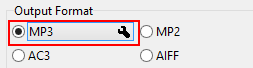
- Click on MP3 Settings.
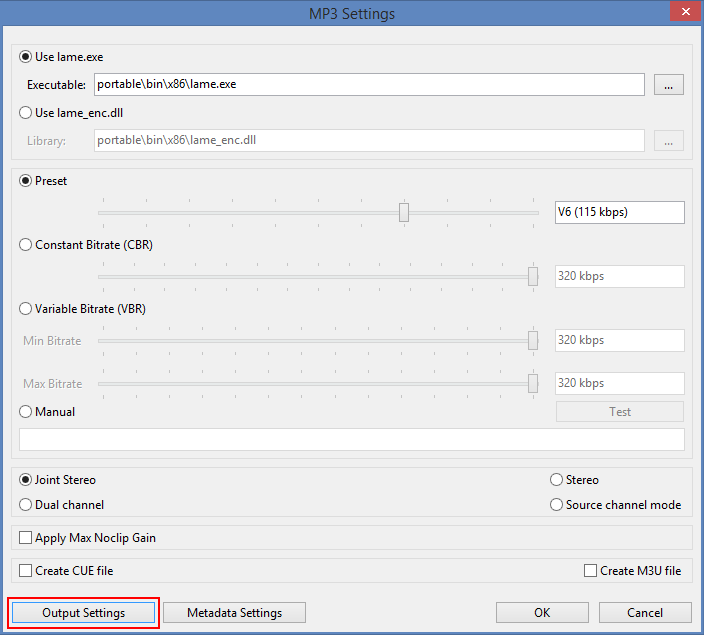
- Click on Output Settings.
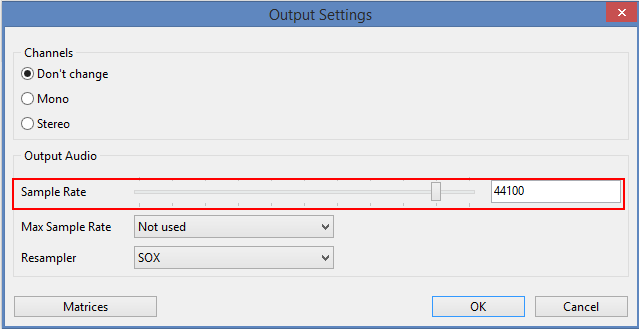
- Move slider to set "Sample Rate" to 44100.
- Press OK to close Settings.
- See Output Audio Settings for more information.