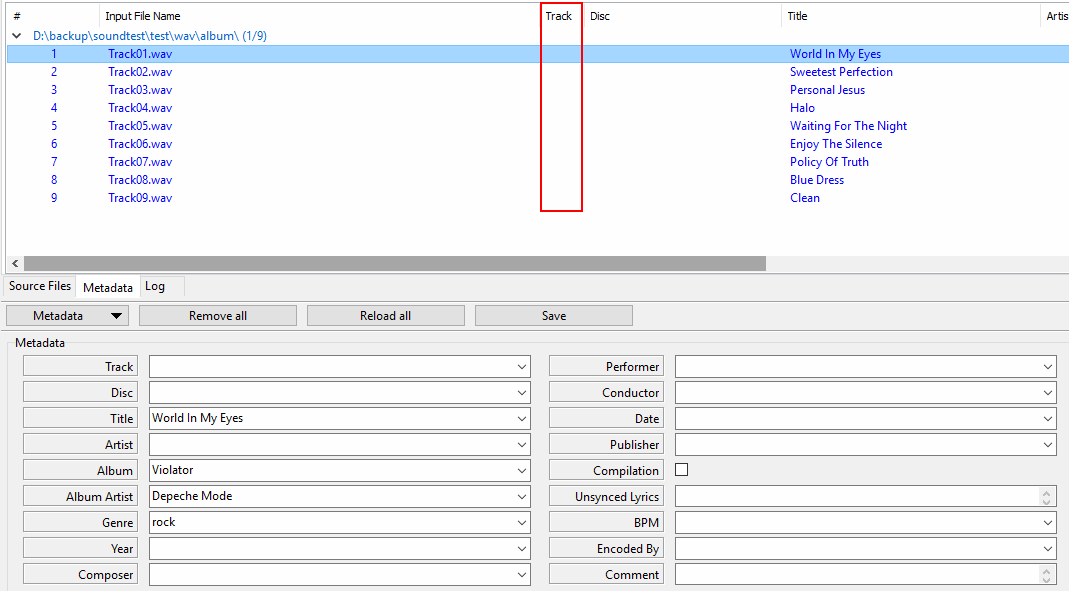
- Add files to to program. In this example track is empty for all files, but it might as well be populated.
- Please check out http://xrecode.com/wiki/index.php?title ... a_Settings, see http://xrecode.com/wiki/index.php?title ... ition_file
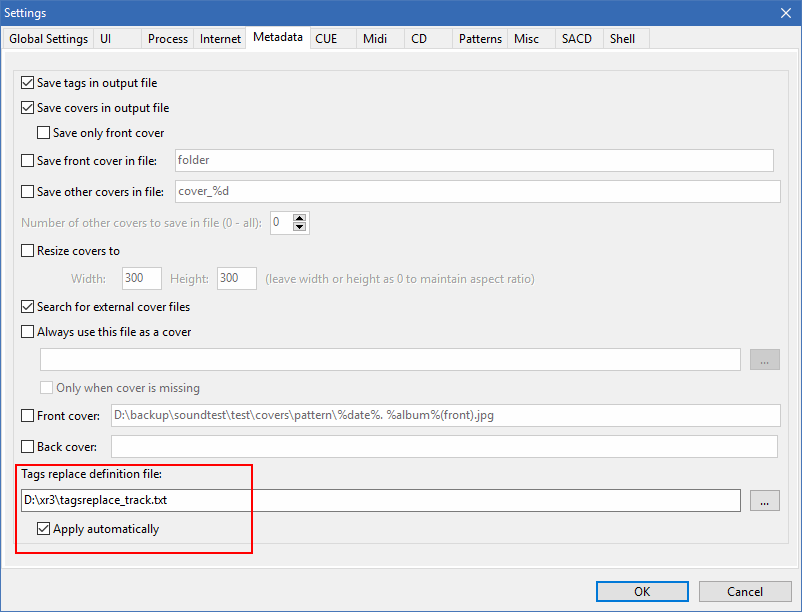
- Open Metadata settings.
- In this case file should only contain the following two rows:
Code: Select all
[Track] <ANY>=%track2% - Save tags replace file and point to it in the Metadata Settings.
- That's it. From now on Track value for all output files will have a zero-padded value. Please note that when this option is enabled, tags will also be auto-replaced when Metadata is saved manually in the editor.